What Is Xero?
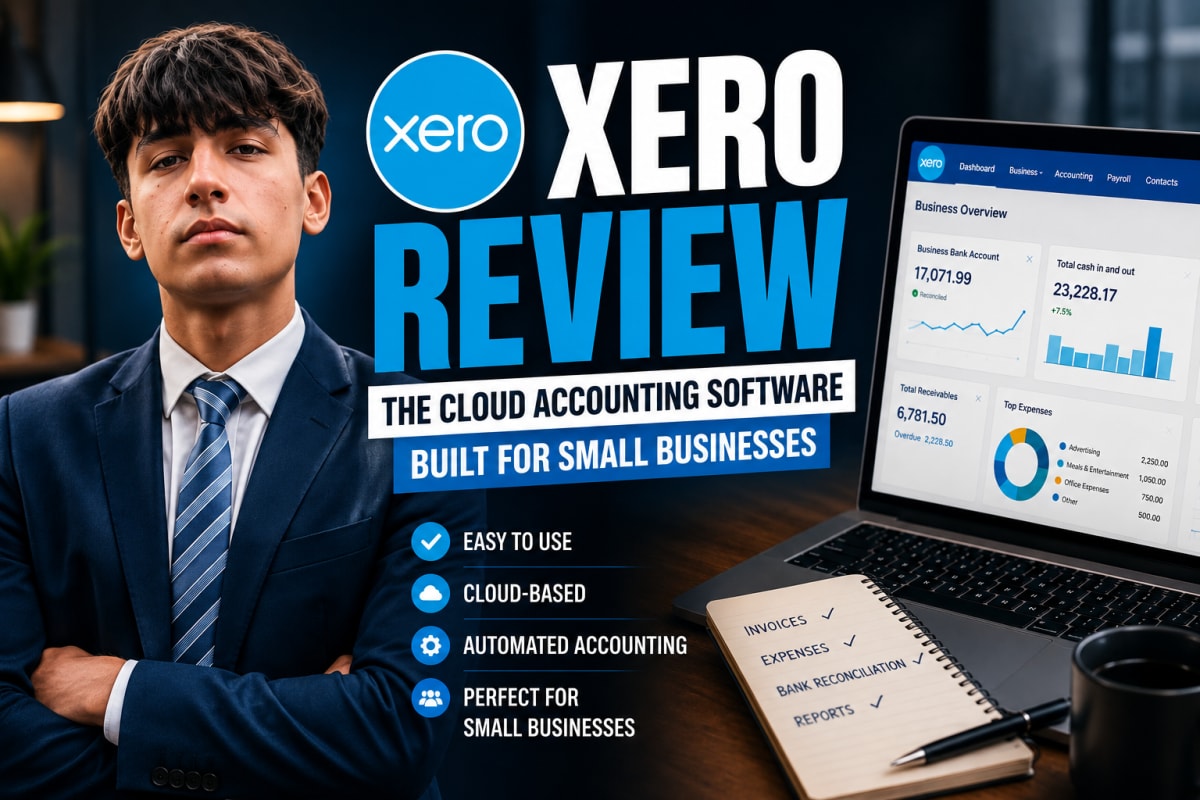
Xero is a New Zealand technology company that provides cloud-based accounting software built primarily for small and medium-sized businesses. Its products are delivered as Software as a Service (SaaS), meaning customers pay a recurring digital subscription rather than purchasing traditional desktop software. Because everything runs in the cloud, business owners and their accountants can access live financial data from any device, anywhere in the world.
Xero's products are used in over 180 countries, and as of 2026 the platform serves over 4.6 million subscribers globally — making it one of the most widely adopted small-business accounting platforms on earth.
Founding Story
Xero was founded on 6 July 2006 in Wellington, New Zealand by entrepreneur Rod Drury and accountant Hamish Edwards. Drury, a serial tech entrepreneur who had previously sold software company AfterMail to Quest Software, recognised that the accounting software market was ripe for disruption — existing tools were clunky, locally installed, and offered no real-time collaboration.
Together, the two founders built Xero from scratch as a cloud-native platform designed specifically for the internet age. The company was originally called "Accounting 2.0" before being rebranded to Xero. In 2007 it listed on the New Zealand Stock Exchange, raising NZ$15 million to fund early development.
Growth Milestones
Xero's growth from a Wellington startup to a global platform is one of the most impressive SaaS stories to come out of the Southern Hemisphere:
- 2006 — Founded by Rod Drury and Hamish Edwards in Wellington, New Zealand.
- 2007 — Lists on the New Zealand Stock Exchange, raising NZ$15 million.
- 2011–2012 — Launches iOS and Android mobile apps, making accounting accessible from any device.
- 2012 — Lists on the Australian Securities Exchange (ASX).
- 2017 — Surpasses 1 million paying subscribers globally across 180+ countries.
- 2019 — Reaches 2 million global subscribers, with the second million added in just over two years.
- 2022 — Closes the financial year with 3.3 million subscribers and crosses NZ$1 billion in annual revenue for the first time.
- 2026 — Reaches 4.6 million subscribers and announces a landmark partnership with Anthropic to bring AI into its platform.
Key Products & Features
One of Xero's defining architectural choices is its single unified ledger — an integrated financial system where all transactions and data are recorded in one central place, rather than being scattered across multiple disconnected systems. This gives business owners and their accountants a single, always-accurate view of the business in real time.
Beyond that foundation, Xero's platform includes automatic bank feeds, invoicing, accounts payable, expense claims, purchase orders, payroll, and standard business and management reporting. It also connects to over 1,000 third-party apps — including Shopify, Stripe, and various payroll tools — through the Xero App Store. In 2011–2012, Xero launched its mobile apps for iOS and Android, which became a valuable addition for customers who needed to manage their finances on the go.
Xero & Anthropic: AI Comes to Accounting
On 27 March 2026, Xero and Anthropic — the company behind the Claude AI — announced a multi-year partnership that works in two directions: Claude's AI is being embedded directly into Xero's platform, and Xero's live financial data is being made accessible inside Claude.ai.
At the heart of the Xero integration is JAX (Just Ask Xero), Xero's AI assistant that launched in late 2025. Powered by Claude's reasoning capabilities, JAX will proactively analyse revenue and profit performance, track cash flow in real time, identify unpaid invoices, and suggest specific actions. On the Claude.ai side, Xero customers will be able to connect their accounts and work with live financial data for business planning and scenario modelling — without switching between apps.
Xero Pricing in 2026: What You Actually Pay
Xero prices per organisation, not per user, which is the single most important thing to understand before comparing it with QuickBooks. Adding a second or third person to your account does not change the bill. Adding a second company does.
| Plan tier | Roughly who it fits | What tends to force an upgrade |
|---|---|---|
| Entry / Starter | Sole traders and very small businesses | Hitting the monthly invoice or bill limit |
| Standard | Small businesses with staff and regular supplier bills | Payroll for more than a handful of employees |
| Premium | Growing businesses with multi-currency needs | Project tracking and expense claim volume |
Two cost traps are worth knowing about before you commit. The first is payroll: in several regions payroll is billed separately per employee per month, so a ten-person team can end up paying more for payroll than for the accounting subscription itself. The second is multi-currency, which historically sat only on the higher tiers. If you invoice overseas customers, check that the tier you are buying actually includes it.
One genuine advantage over desktop-era software: there is no year-end licence renewal, and no upgrade fee when the vendor ships a new version. The subscription is the whole cost, which makes budgeting straightforward.
Where Xero Is Strong — and Where It Is Not
Strong: the bank reconciliation workflow
This is the feature Xero built its reputation on, and it still holds up. Matching a bank statement line to an invoice or a bill is fast, and the interface makes it obvious what has and has not been reconciled. For a business doing its own bookkeeping, this is the part that saves the most time.
Strong: the accountant relationship
Xero's partner model is a real differentiator. Most accountants in the UK, Australia and New Zealand work in Xero daily, and many can be given access without you exporting anything or emailing spreadsheets. If you already have an accountant, ask which platform they prefer before you choose — moving later is more disruptive than it sounds.
Weaker: reporting depth
Xero's standard reports cover the essentials — profit and loss, balance sheet, cash flow, aged receivables and payables. What it does not do well is management reporting that explains why a number moved. If you need narrative commentary, board-ready packs or investor reporting, that is either manual work in Xero or a third-party reporting tool layered on top.
Weaker: very small businesses
If you are a sole trader with a handful of transactions a month, Xero is more software than you need. The reconciliation workflow that justifies the price is worth little when there is almost nothing to reconcile. Free or very cheap alternatives cover that case perfectly well.
Weaker: US payroll
In the United States, Xero's payroll coverage is narrower than QuickBooks', and many US businesses run payroll through a separate provider as a result. If payroll is central to your operation and you are US-based, this is the single strongest argument for looking at QuickBooks instead.
How Xero Compares With QuickBooks Online
| Consideration | Xero | QuickBooks Online |
|---|---|---|
| Pricing model | Per organisation; unlimited users on most plans | Per company, with user limits on lower tiers |
| Interface | Cleaner and more consistent; widely praised | Denser, more feature-packed, steeper to learn |
| US payroll | Limited; often handled by a third party | Comprehensive and tightly integrated |
| Inventory | Adequate for simple stock | Stronger; better for product businesses |
| Accountant adoption | Dominant in UK, Australia, New Zealand | Dominant in the United States |
| Third-party app ecosystem | Over 1,000 integrations | Larger overall, particularly in the US |
The honest summary: choose Xero if you value a clean interface, per-organisation pricing, and your accountant works in it. Choose QuickBooks if you are US-based with employees to pay, or if you hold meaningful inventory. Neither is wrong, and the switching cost later is real — so if you have an accountant, their preference should carry weight.
Is Xero Right for Your Business?
Xero is best suited to small and medium-sized businesses that want reliable, cloud-native accounting without the complexity and cost of enterprise systems. Its plans are competitively priced on a monthly subscription basis, and it integrates cleanly with a large ecosystem of business tools.
If you are a small business owner looking for modern accounting software, Xero is well worth exploring. We recommend starting with their free trial to see whether it fits your workflow before committing to a plan.
Please note: this article is for informational purposes only. We are not responsible for any decisions made based on its content. For advice specific to your business, please consult a qualified accountant or financial advisor — or feel free to contact us.